




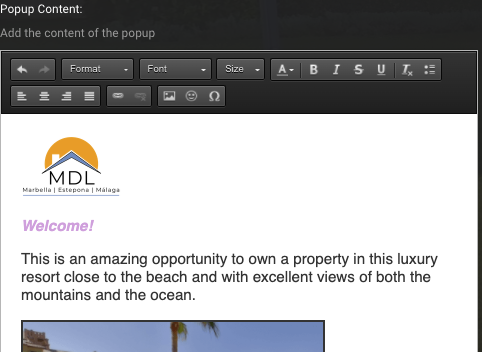
You want to add a Pop-Up text like this:
Go to your tour editor or create a new tour

Drag the blue ball to your screen

Choose the “i” icon

Change the icon (optional)
double click on the icon and then choose “browse server” to upload your own or choose one from our icon library


You can choose one of the icons from our icon library or just upload your own. Always make sure, if you want a transparent background, that your choose “original”.

Activate “opens pop up”

Add your text & images (basic HTML allowed
Click save & publish :)